Requesting code and packages
How to access, request or move code, code libraries and packages to your project
How to access code and packages
There are different ways for you to access, request or move code, code libraries and packages for your SEAD project. You can access code and packages through the following:
- The ABS administered shared library (library drive) which holds a large volume of approved code from all primary software languages available (R, Python, STATA, SAS) and accompanying documentation.
- The Posit Package Manager (shortcut on the workspace desktop providing access to Python and R packages).
- A request firstly to your SEAD administrators for loading basic/simple self-written code in text format.
- A request firstly to your SEAD administrators for loading from these recommended repositories:
Managing your R and Python packages
If you are working with a specific set of R and/or Python packages, you can manage these using the Package Manager shortcut on your desktop.
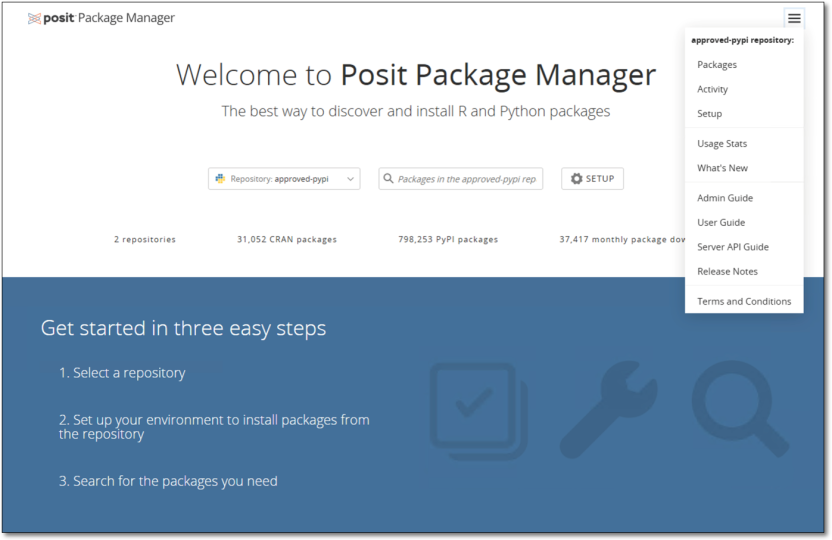
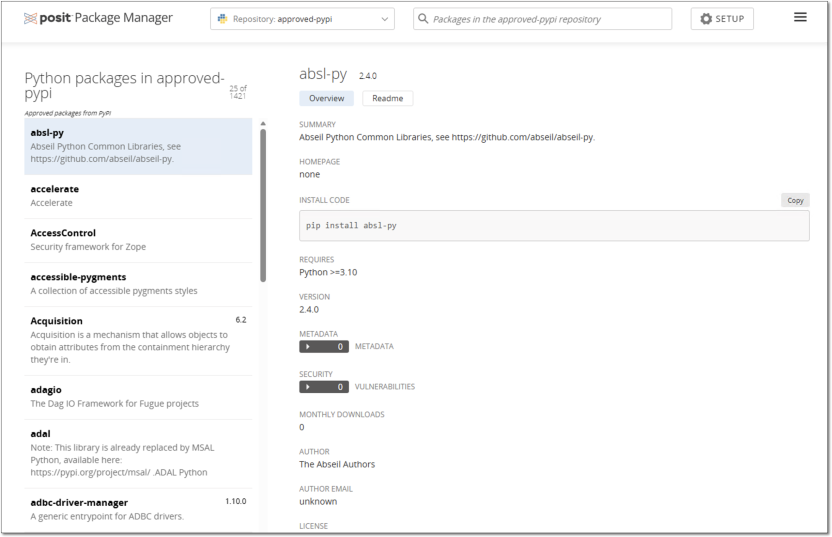
In the Package Manager, select the relevant repository and search for your intended package. If the packages you need are not listed in the package manager but are available in CRAN or PyPi, you can request them using the Contact us page.
Accessing earlier versions of R and Python Packages from Posit
The following describes how to access different, older, versions of packages from Posit depending on the language. If you require a new package, newer or older version of a package from CRAN for R or PyPi for Python, please submit a request for packages to your SEAD administrator in the first instance. Packages not from CRAN or PyPi will not be available through Posit and these will be subject to a separate security screening processing before they are approved for access in the DataLab if the process is successful.
To access different package versions in R
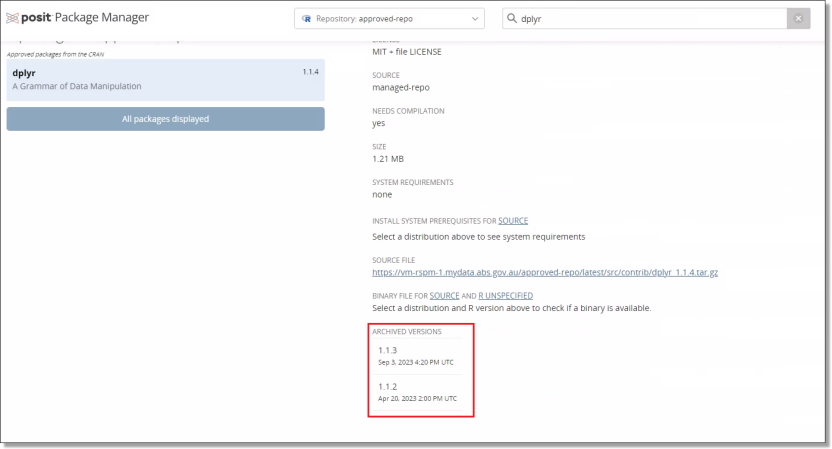
These files can be downloaded from Posit using your chosen R environment through the ‘devtools’ package e.g., ‘devtools::install_version(“your package”, version=“your package version”)’. You will be able to see the available package version for R at the bottom of the Posit page for that package. An example for the ‘dplyr’ package can be seen below.
To access different package versions in Python
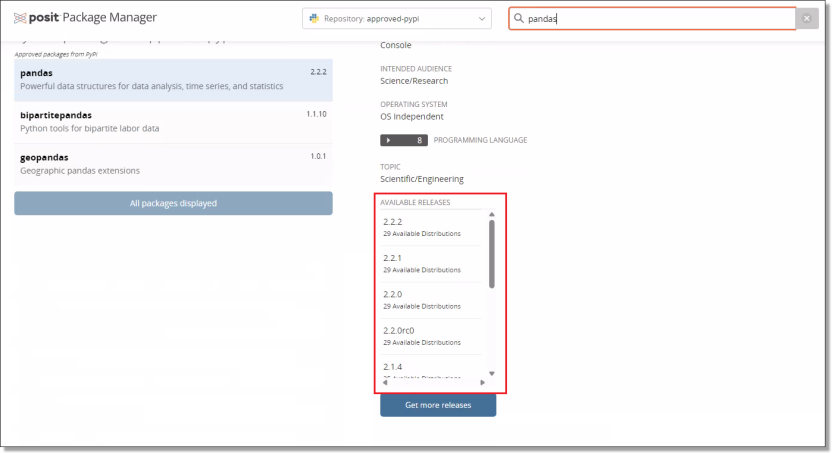
Accessing older python package versions can be done when installing the package through ‘pip’ e.g., ‘pip install pandas==2.1.0’. The available versions of each of the python packages can also be seen at the bottom of the relevant Posit page. An example for the ‘pandas’ package can be seen below.